> ## Documentation Index
> Fetch the complete documentation index at: https://doc.refero.design/llms.txt
> Use this file to discover all available pages before exploring further.
# Refero Skill
> Research-first design methodology for AI agents
 ## What is Refero Skill
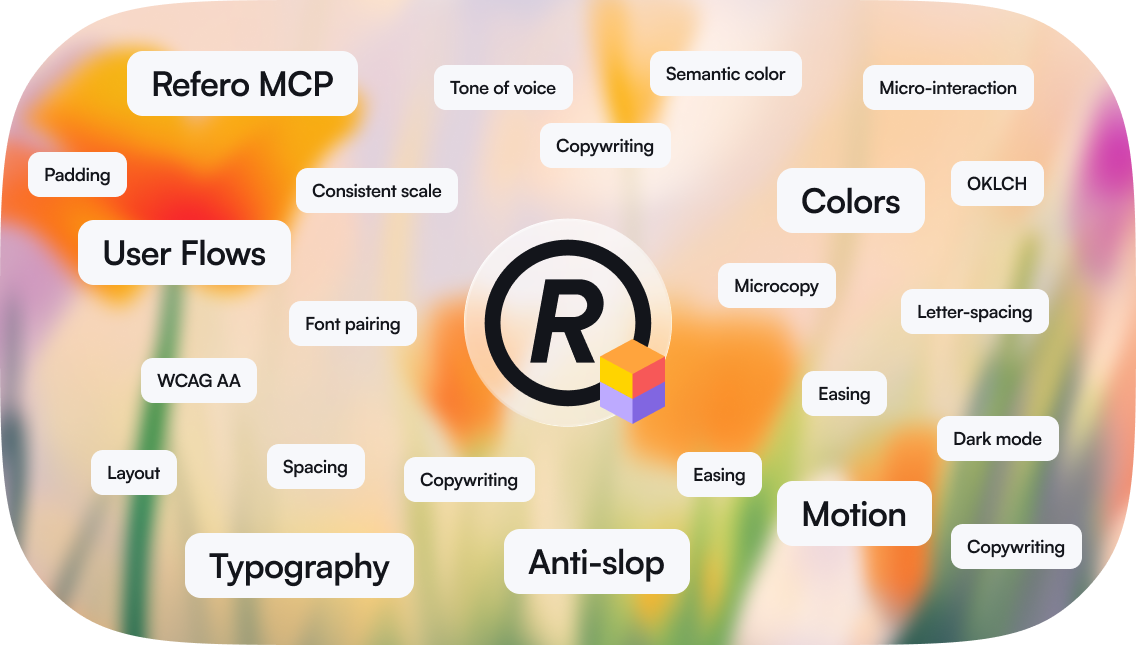
Refero Skill is a research-first design methodology for AI agents. It teaches the agent to research references, synthesize a direction, define design decisions, and then implement with craft rules for typography, color, spacing, motion, icons, copywriting, and accessibility.
The skill works on its own as a methodology and craft reference. It works best with Refero MCP connected, because the agent can then research live styles, screens, and flows.
## What you need
* **An agent that supports skills** — Claude Code, Cursor, Gemini CLI, Lovable, or another MCP-compatible agent workflow.
* **Refero MCP** for live design research. Without MCP, the skill still provides the workflow and bundled craft guidance.
* **Refero Pro** if you want access to live Refero MCP research.
## Installation
```bash theme={null}
npx skills add https://github.com/referodesign/refero_skill --skill refero-design
```
Manual installation:
```bash theme={null}
git clone https://github.com/referodesign/refero_skill.git ~/.claude/skills/refero-design
```
## How it works
The agent forms a short design brief: what is being designed, who it is for, the platform, the primary goal, tone, objections, constraints, and which research layers are needed.
For visual work, the agent starts with `refero_search_styles` and opens strong references with `refero_get_style`. Styles set the visual language: typography, color, layout, spacing, surfaces, imagery, component feel, and do/don't rules.
The agent uses screens for concrete UI patterns and flows for multi-step journey logic. Screens answer "what should this interface contain?" Flows answer "what happens before and after?"
The agent chooses one primary style direction, borrows only narrow details from secondary references, preserves source token roles, and creates a reference lock or decision ledger before implementation.
The agent builds from the synthesized direction and checks the result against craft rules and anti-AI-slop quality gates.
## Built-in design knowledge
The skill includes reference guides:
* **Typography** — type scale, font pairing, line height, tracking, responsive type
* **Color** — palette construction, contrast, semantic color, dark theme, tokens
* **Motion** — timing, easing, micro-interactions, reduced motion
* **Icons** — sizing, optical alignment, accessibility, icon+text pairing
* **Craft details** — focus states, forms, images, touch targets, performance, accessibility
* **Copywriting** — UX writing, microcopy, trust, objections, persuasion
* **Anti-AI-slop** — generic patterns to avoid and checks for reference-grounded design
* **MCP tools** — current Refero tool routing and parameter guidance
## MCP + Skill
**Refero MCP** provides live research tools:
* styles for visual direction
* screens for concrete UI patterns
* flows for journey logic
* screenshot images and similar-screen expansion when needed
**Refero Skill** provides the workflow:
* when to use each research layer
* how to synthesize references without copying them
* how to preserve token and media roles
* how to turn research into design decisions
* how to avoid generic AI design defaults
Use MCP directly for quick lookups. Use the skill when you are designing or building something and want the full research-to-implementation process.
## Tips for better results
* **Give a real brief.** Audience, product, platform, goal, tone, and constraints make research sharper.
* **Start with styles for visual work.** Screens are for UI details; styles are for taste.
* **Do not average references.** Pick one primary direction and use secondary references only for bounded details.
* **Preserve roles.** CTA-only colors stay CTA-only. Code-only colors stay in code. Imagery-led references need a real media strategy or an intentional placeholder.
* **Ask for the research summary.** The agent should be able to name the references and explain which decisions came from each.
## Next
Connect Refero MCP for live styles, screens, and flows.
Current MCP tools and response shapes.
Simple research workflows using Refero.
## What is Refero Skill
Refero Skill is a research-first design methodology for AI agents. It teaches the agent to research references, synthesize a direction, define design decisions, and then implement with craft rules for typography, color, spacing, motion, icons, copywriting, and accessibility.
The skill works on its own as a methodology and craft reference. It works best with Refero MCP connected, because the agent can then research live styles, screens, and flows.
## What you need
* **An agent that supports skills** — Claude Code, Cursor, Gemini CLI, Lovable, or another MCP-compatible agent workflow.
* **Refero MCP** for live design research. Without MCP, the skill still provides the workflow and bundled craft guidance.
* **Refero Pro** if you want access to live Refero MCP research.
## Installation
```bash theme={null}
npx skills add https://github.com/referodesign/refero_skill --skill refero-design
```
Manual installation:
```bash theme={null}
git clone https://github.com/referodesign/refero_skill.git ~/.claude/skills/refero-design
```
## How it works
The agent forms a short design brief: what is being designed, who it is for, the platform, the primary goal, tone, objections, constraints, and which research layers are needed.
For visual work, the agent starts with `refero_search_styles` and opens strong references with `refero_get_style`. Styles set the visual language: typography, color, layout, spacing, surfaces, imagery, component feel, and do/don't rules.
The agent uses screens for concrete UI patterns and flows for multi-step journey logic. Screens answer "what should this interface contain?" Flows answer "what happens before and after?"
The agent chooses one primary style direction, borrows only narrow details from secondary references, preserves source token roles, and creates a reference lock or decision ledger before implementation.
The agent builds from the synthesized direction and checks the result against craft rules and anti-AI-slop quality gates.
## Built-in design knowledge
The skill includes reference guides:
* **Typography** — type scale, font pairing, line height, tracking, responsive type
* **Color** — palette construction, contrast, semantic color, dark theme, tokens
* **Motion** — timing, easing, micro-interactions, reduced motion
* **Icons** — sizing, optical alignment, accessibility, icon+text pairing
* **Craft details** — focus states, forms, images, touch targets, performance, accessibility
* **Copywriting** — UX writing, microcopy, trust, objections, persuasion
* **Anti-AI-slop** — generic patterns to avoid and checks for reference-grounded design
* **MCP tools** — current Refero tool routing and parameter guidance
## MCP + Skill
**Refero MCP** provides live research tools:
* styles for visual direction
* screens for concrete UI patterns
* flows for journey logic
* screenshot images and similar-screen expansion when needed
**Refero Skill** provides the workflow:
* when to use each research layer
* how to synthesize references without copying them
* how to preserve token and media roles
* how to turn research into design decisions
* how to avoid generic AI design defaults
Use MCP directly for quick lookups. Use the skill when you are designing or building something and want the full research-to-implementation process.
## Tips for better results
* **Give a real brief.** Audience, product, platform, goal, tone, and constraints make research sharper.
* **Start with styles for visual work.** Screens are for UI details; styles are for taste.
* **Do not average references.** Pick one primary direction and use secondary references only for bounded details.
* **Preserve roles.** CTA-only colors stay CTA-only. Code-only colors stay in code. Imagery-led references need a real media strategy or an intentional placeholder.
* **Ask for the research summary.** The agent should be able to name the references and explain which decisions came from each.
## Next
Connect Refero MCP for live styles, screens, and flows.
Current MCP tools and response shapes.
Simple research workflows using Refero.