

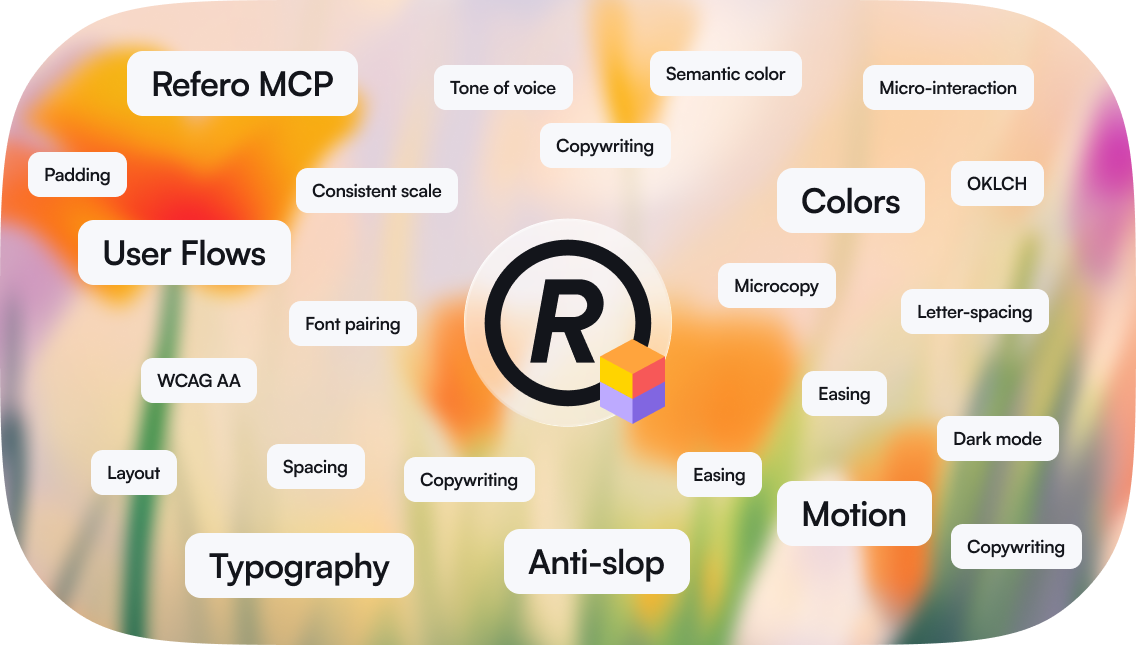
What is Refero Skill
Refero Skill is a research-first design methodology for AI agents. It teaches the agent to research references, synthesize a direction, define design decisions, and then implement with craft rules for typography, color, spacing, motion, icons, copywriting, and accessibility. The skill works on its own as a methodology and craft reference. It works best with Refero MCP connected, because the agent can then research live styles, screens, and flows.What you need
- An agent that supports skills — ChatGPT, Codex, Claude Code, Cursor, Gemini CLI, Lovable, or another compatible agent workflow.
- Refero MCP for live design research. Without MCP, the skill still provides the workflow and bundled craft guidance.
- A paid Refero plan if you want access to live Refero MCP research.
Installation
ChatGPT / Codex plugin
Install the Refero plugin to get Refero MCP and Refero Skill together. You do not need to install the skill separately. See Getting Started for the setup steps.Standalone skill
Use this when Refero MCP is already connected or you only need the design methodology.skills/refero-design/ folder into your client’s skills directory. For Claude Code, the resulting path is ~/.claude/skills/refero-design/SKILL.md, with the references/ folder beside it. Copy the skill folder, not the repository root.
How it works
1
Discovery
The agent forms a short design brief: what is being designed, who it is for, the platform, the primary goal, tone, objections, constraints, and which research layers are needed.
2
Styles first
For visual work, the agent starts with
refero_search_styles and opens strong references with refero_get_style. Styles set the visual language: typography, color, layout, spacing, surfaces, imagery, component feel, and do/don’t rules.3
Screens and flows when needed
The agent uses screens for concrete UI patterns and flows for multi-step journey logic. Screens answer “what should this interface contain?” Flows answer “what happens before and after?”
4
Synthesis
The agent chooses one primary style direction, borrows only narrow details from secondary references, preserves source token roles, and creates a reference lock or decision ledger before implementation.
5
Implementation
The agent builds from the synthesized direction and checks the result against craft rules and anti-AI-slop quality gates.
Built-in design knowledge
The skill includes reference guides:- Typography — type scale, font pairing, line height, tracking, responsive type
- Color — palette construction, contrast, semantic color, dark theme, tokens
- Motion — timing, easing, micro-interactions, reduced motion
- Icons — sizing, optical alignment, accessibility, icon+text pairing
- Craft details — focus states, forms, images, touch targets, performance, accessibility
- Copywriting — UX writing, microcopy, trust, objections, persuasion
- Anti-AI-slop — generic patterns to avoid and checks for reference-grounded design
- MCP tools — current Refero tool routing and parameter guidance
MCP + Skill
Refero MCP provides live research tools:- styles for visual direction
- screens for concrete UI patterns
- flows for journey logic
- screenshot images and similar-screen expansion when needed
- when to use each research layer
- how to synthesize references without copying them
- how to preserve token and media roles
- how to turn research into design decisions
- how to avoid generic AI design defaults
Tips for better results
- Give a real brief. Audience, product, platform, goal, tone, and constraints make research sharper.
- Start with styles for visual work. Screens are for UI details; styles are for taste.
- Do not average references. Pick one primary direction and use secondary references only for bounded details.
- Preserve roles. CTA-only colors stay CTA-only. Code-only colors stay in code. Imagery-led references need a real media strategy or an intentional placeholder.
- Ask for the research summary. The agent should be able to name the references and explain which decisions came from each.
Next
Set up MCP
Connect Refero MCP for live styles, screens, and flows.
Tools
Current MCP tools and response shapes.
Examples
Simple research workflows using Refero.